
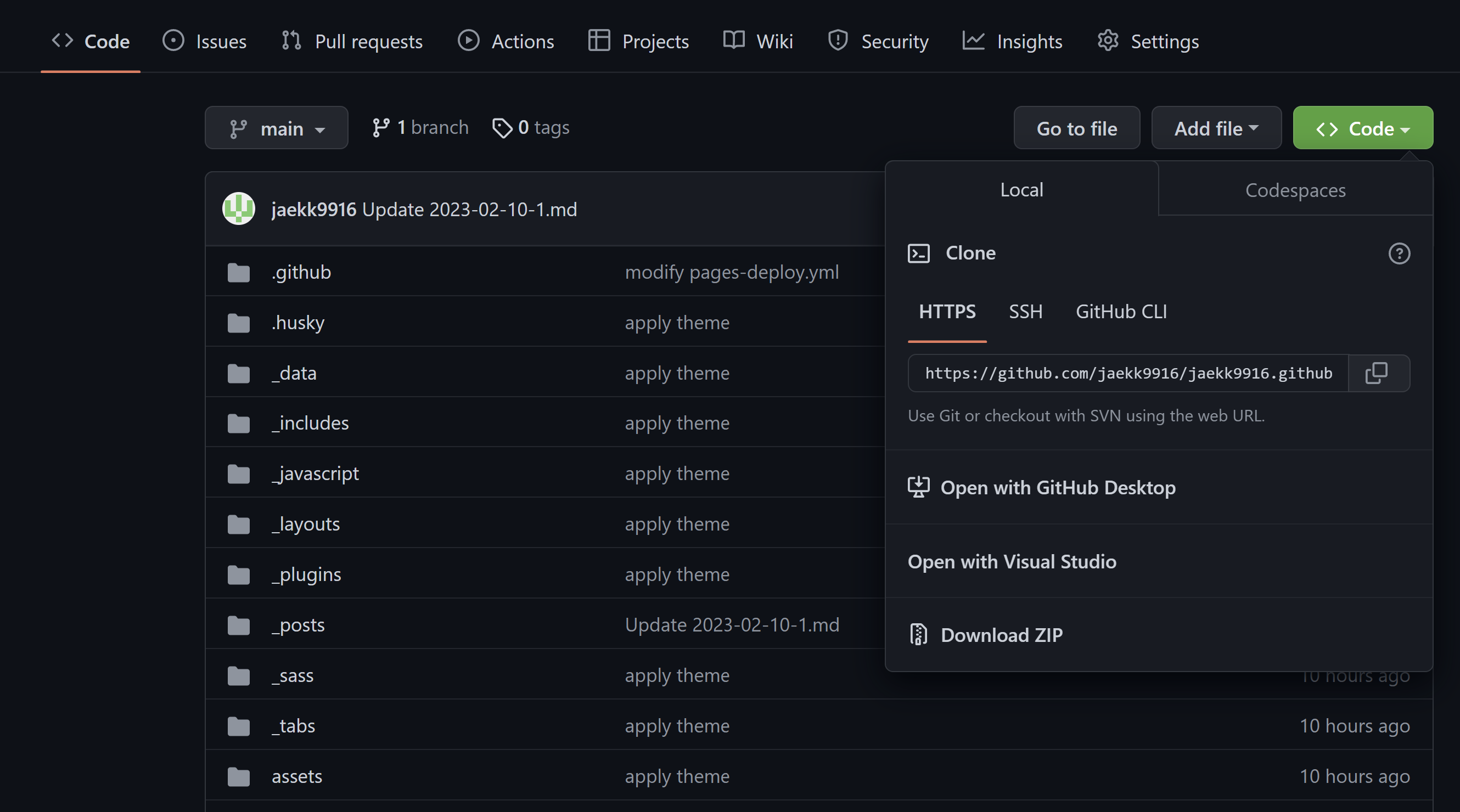
1. GitHub clone
bring data to my local environment
1
git clone [repository]
Respository have to GitHub storage URL
2. Add
Add changes from the working directory to the staging area
1
git add --all
3. commit
- Use to save changes until the next commit
- Send changes to remote
1
git commit -m [commit massage]
4. push
submit and publish the changed data
1
git push -u origin main