
1. GitHub clone
bring data to my local environment
1
git clone [repository]
Respository have to GitHub storage URL
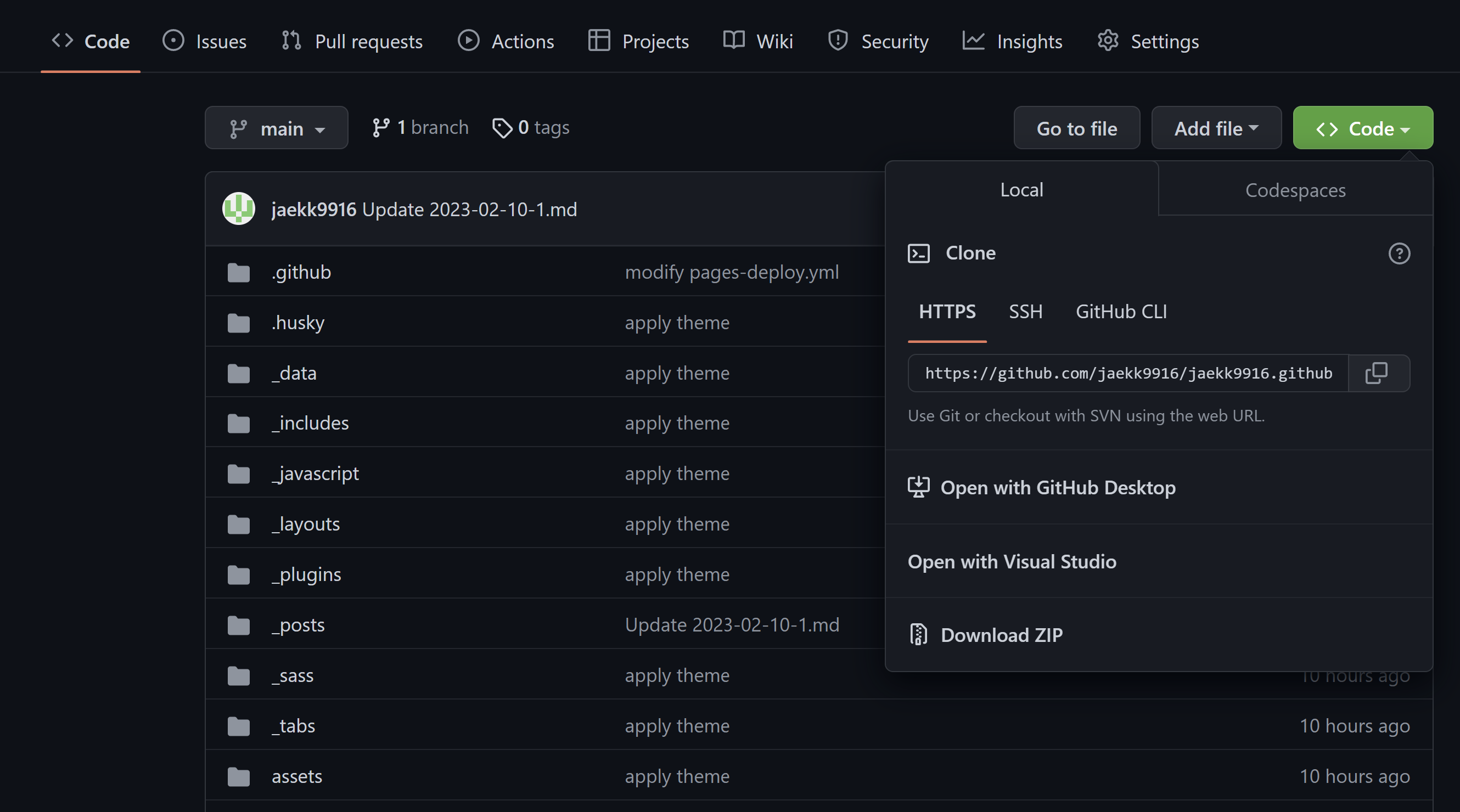
It can happen an authentication error when cloning a repository, then go to the GitHub page and issue a token for authenticates
# How to issue the token
- Go to
Settingsfrom the menu that appears when you click user icon which is top right on your Github page - Click a
developer settings

- Issue a token applying permissions users want
![image]()

🔶 Entering a token value instead of a password after entering an ID when asked to authenticate a user
2. Add
Add changes from the working directory to the staging area
1
git add --all
3. commit
- Use to save changes until the next commit
- Send changes to remote
1
git commit -m [commit massage]
4. push
submit and publish the changed data
1
git push -u origin main
pref:
emoji: https://gist.github.com/rxaviers/7360908